

Wedding package 3


How to Book
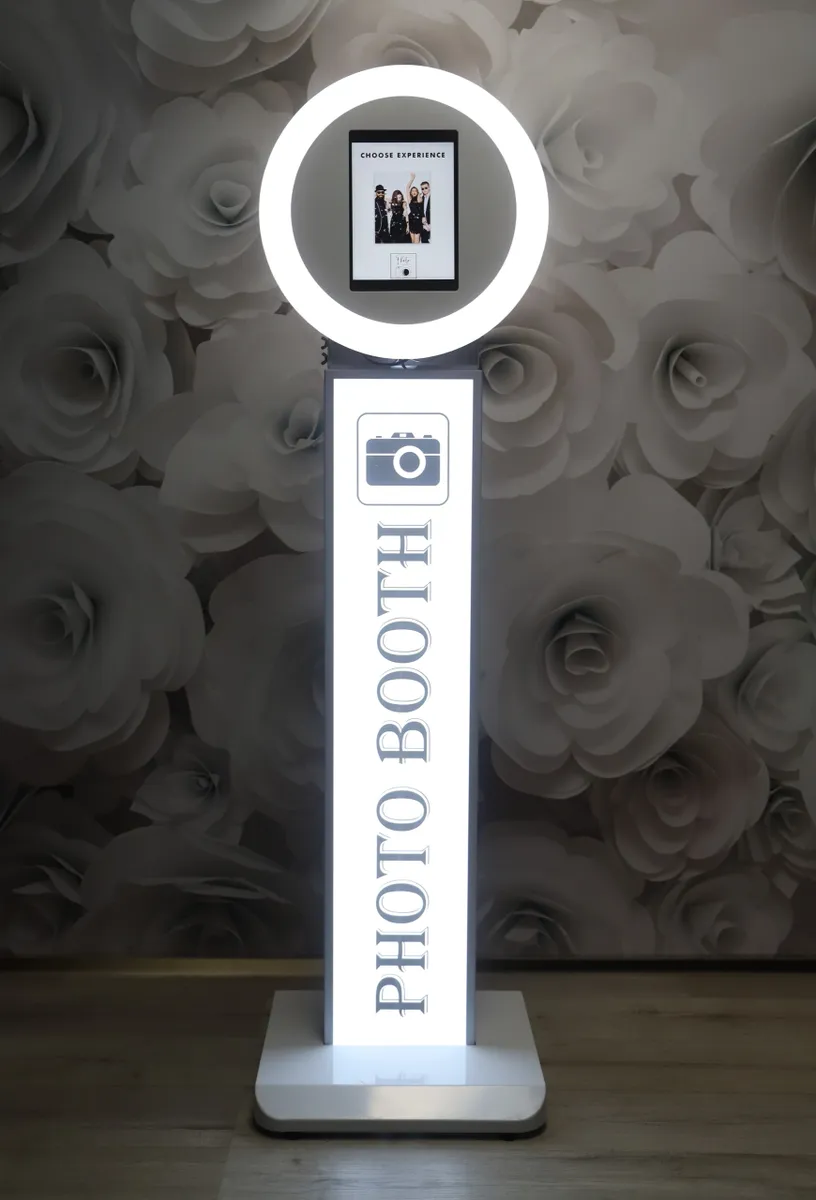
Your Equipment
Follow these 4 simple steps carefully — skipping a step is the most common reason bookings don't go through.
Select Your Date
Choose when you need the equipment. The calendar works like this:
First click selects your start date
Second click selects your end date
One-day rental? Click the same date twice — for example, click November 15th twice for a single-day booking.
Choose Your Times
These times are when you want us to arrive and set up — NOT when your hire starts.
Start Time
The time you want us to arrive at your venue and begin setting up — make sure you allow enough time before your event begins.
End Time
The time you want us to collect and pack away the equipment from your venue.
Not sure how much setup time to allow?
Please check the product page for the equipment you want to hire — setup times are listed there. If you are still unsure, call us on 01482 230477 and we will help you work it out.
Select Delivery Zone
You will need to know what zone you are in
Before completing your booking, you must select the correct delivery zone for your venue. Choosing the wrong zone could affect your booking price.
Choose the delivery zone that matches your venue location. Not sure which zone you're in? Use the button below to find out — do this before filling in the form.
Check Your Delivery AreaIf your area is not listed or you are unsure, call us first — see the contact section below.
Review Terms & Conditions
Read our terms and conditions carefully — they contain important information about your booking, cancellations, and our policies.
YOU MUST TICK THE CHECKBOX
The form will not submit without ticking the checkbox to confirm you have read and agreed to our terms and conditions.
Complete Your Booking
Click the booking button to proceed to the next page where you'll enter your venue details and select your payment terms.
Want to Pay Cash on Delivery?
Select Full Payment and click the Book Now button — you need to press this to go to the next page. Don't worry, you won't be charged any money today. Once on the next page, simply select Cash on Delivery as your payment method. It's that easy!
You're almost done! Just a few more details needed.
We're Here to Help
Confused about the form? Not sure about your delivery area? Give us a call — we'll sort it for you.
Call Us Now — We're Happy to Help
01482 230477Mon – Sun • We'll walk you through the entire booking
Tap to Call